Link: Github Repository
Reach me out via LinkedIn, Portfolio Contact Form or mail@pascal-nehlsen.de
Admin Registration Challenge Report
CAPTCHA Bypass Challenge Report
This tool is intended for educational and authorized penetration testing purposes only. Unauthorized use of this tool against systems that you do not have explicit permission to test is illegal and unethical.
Project: OWASP Juice Shop - CAPTCHA Bypass Challenge (Broken Anti Automation)
Tools: Kali Linux with Burp Suite
Author: Pascal Nehlsen
Portfolio: https://www.pascal-nehlsen.de/
GitHub Link: https://github.com/PascalNehlsen/juice-shop-challenges/blob/main/challenges/captcha-bypass.md
Table of Contents
Introduction
The OWASP Juice Shop is a deliberately vulnerable web application designed to demonstrate security vulnerabilities. This report outlines the steps I followed to complete the CAPTCHA Bypass Challenge.
Objective
The goal of the CAPTCHA Bypass Challenge is to bypass the CAPTCHA in the feedback section, allowing more than 10 customer feedback submissions within 20 seconds using only one solved CAPTCHA.
Approach
Step 1: Writing Customer Feedback
To start, I navigated to the customer feedback section and filled out feedback for the OWASP Juice Shop as usual.
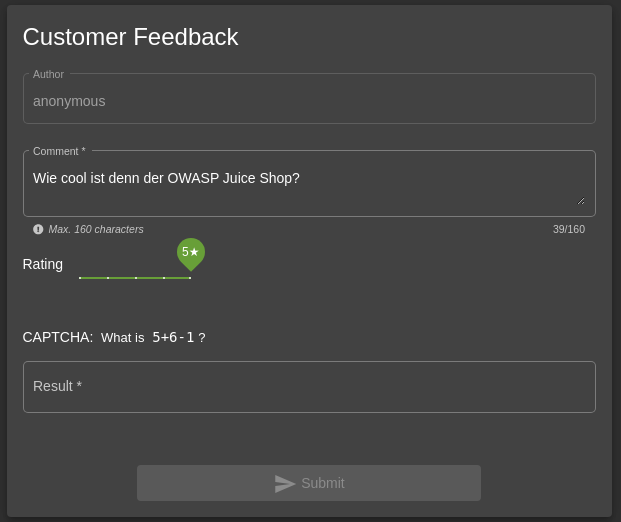
Here, I encountered the CAPTCHA prompt. In this case, the CAPTCHA required solving the math problem 5 + 6 - 1, which equals 10.
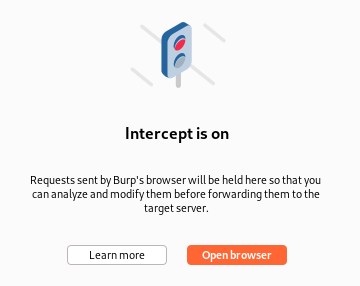
Before submitting the feedback, I activated the interception feature in Burp Suite's proxy tool.
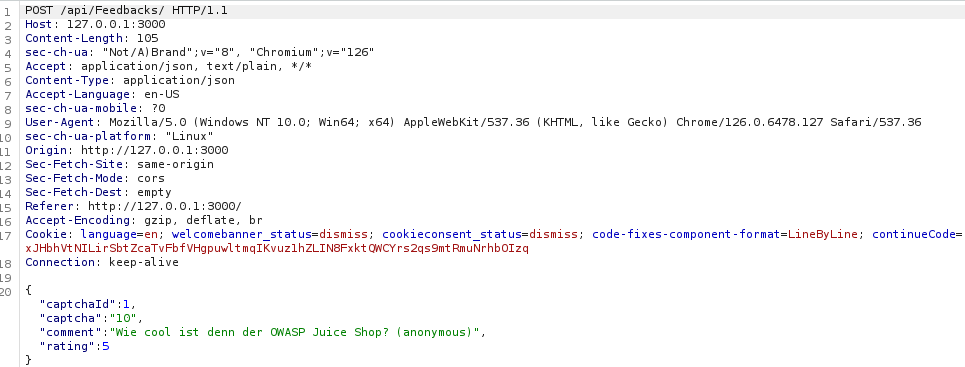
Upon submission, I checked the HTTP history to see the outgoing and incoming requests. I found a POST request to the /api/Feedbacks/ endpoint. Within the JSON of the submitted request, I observed the following keys:
"captchaIds": Contains the CAPTCHA identifier"captcha": Holds the calculated result (10)"comment": Contains the actual feedback message"rating": Reflects the rating assigned to the shop
Step 2: Bypassing CAPTCHA with Burp Suite Intruder
I then sent this POST request to Burp Suite's Intruder tool, allowing multiple requests to be sent in rapid succession.
The Intruder was configured as follows:
- Attack Type: Sniper
- Payload Options: None
- Payloads: Null Payloads
- Generate: 20 Payloads
With these settings, the Intruder generated 20 HTTP requests within a short timeframe. In the Results section of the Intruder, each request returned a 201 status code, indicating that all requests were successfully processed.
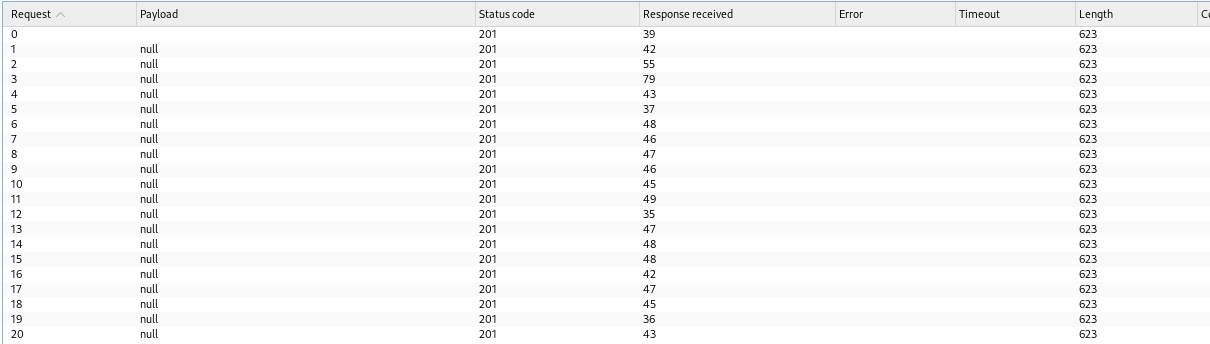
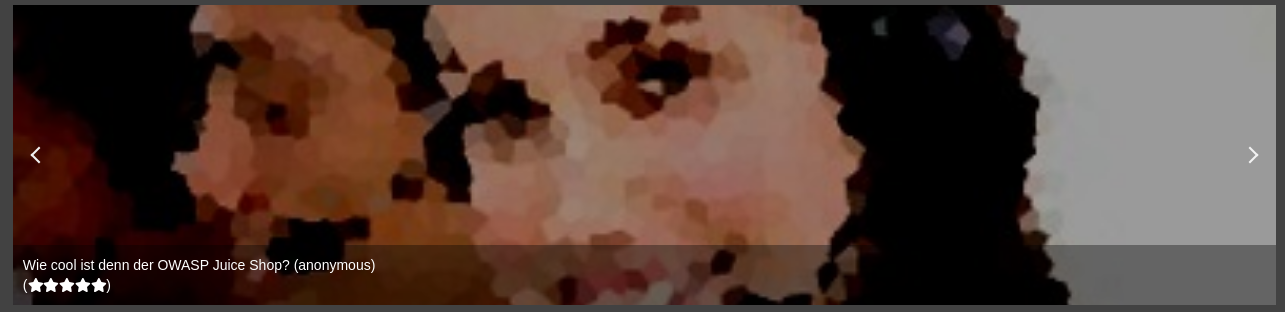
To confirm that the feedback submissions were successful, I navigated back to the feedback section of the shop and observed all 20 feedback entries listed sequentially.
Conclusion
This test successfully completed the CAPTCHA Bypass Challenge by solving the CAPTCHA once and using Burp Suite to bypass it, allowing multiple feedback submissions within the allowed time frame.
